
Web Serial Is Not Supported in This Browser
Your browser cannot communicate directly with USB hardware. Please open this page in Google Chrome, Microsoft Edge, Brave, or Opera on Windows, macOS, Linux, or ChromeOS.
Install SomnoTrace
Plug your Waveshare ESP32-S3 device into your computer with a USB-C cable and click Install SomnoTrace. No command line, drivers, or software installation needed.
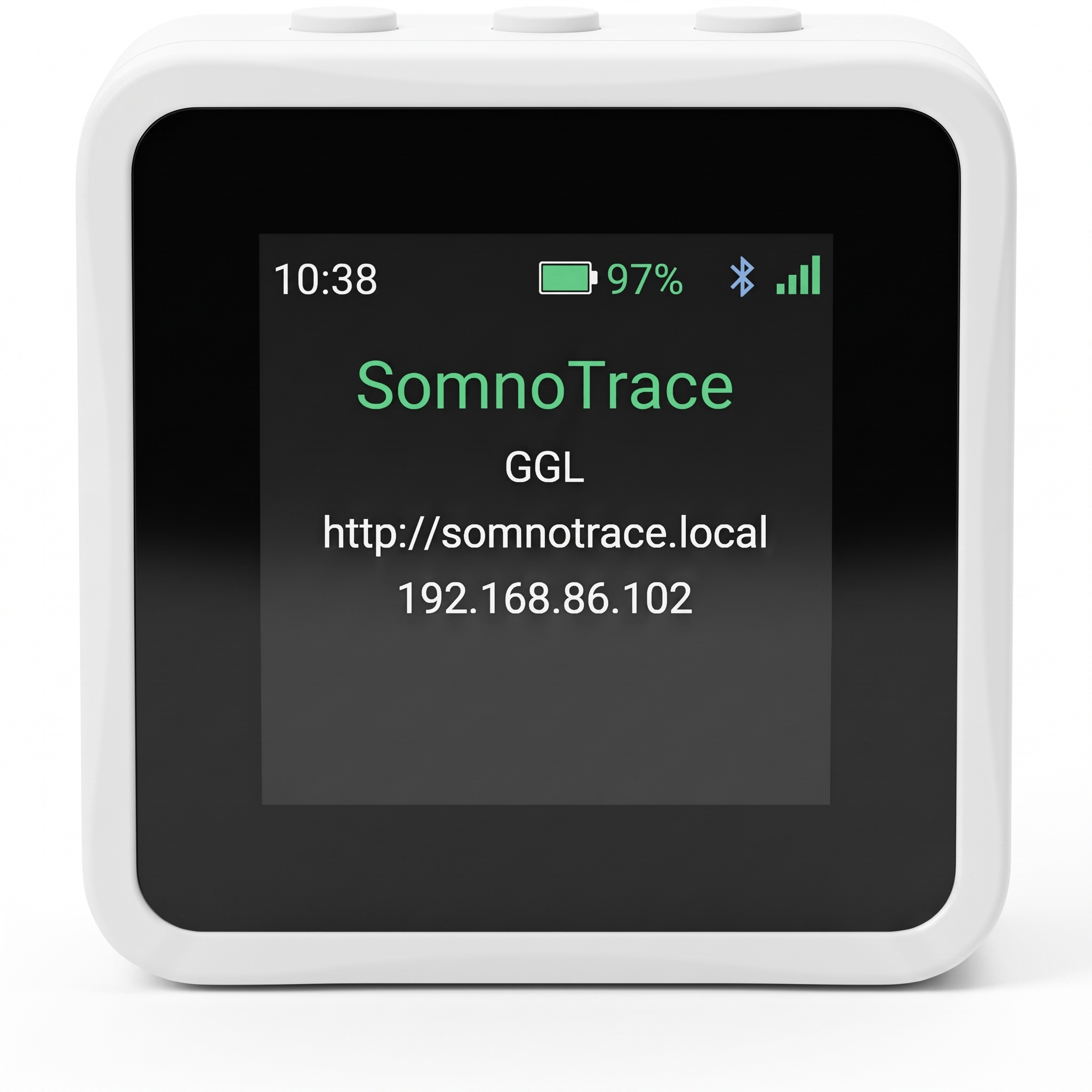
Waveshare ESP32-S3 Bedside Monitor
Clicking Install will open your browser's port picker. Select USB JTAG/serial debug unit and click Connect.
Need help connecting? Manual boot guide ▼
SomnoTrace puts your device into flashing mode automatically. If your computer cannot connect automatically, use the physical buttons to enter ROM Download Mode manually:
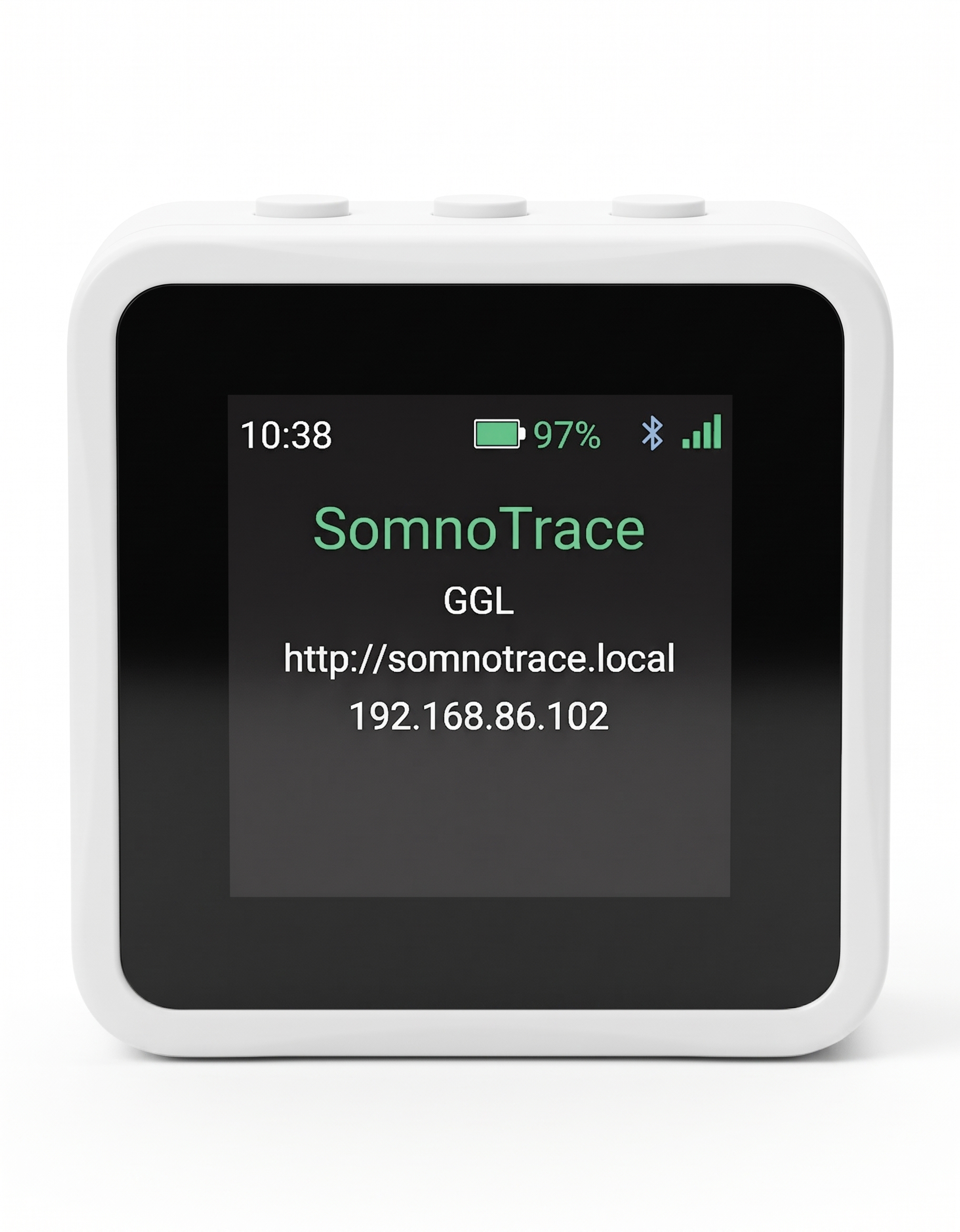
1. BOOT Button
The leftmost button on the top edge of the device.
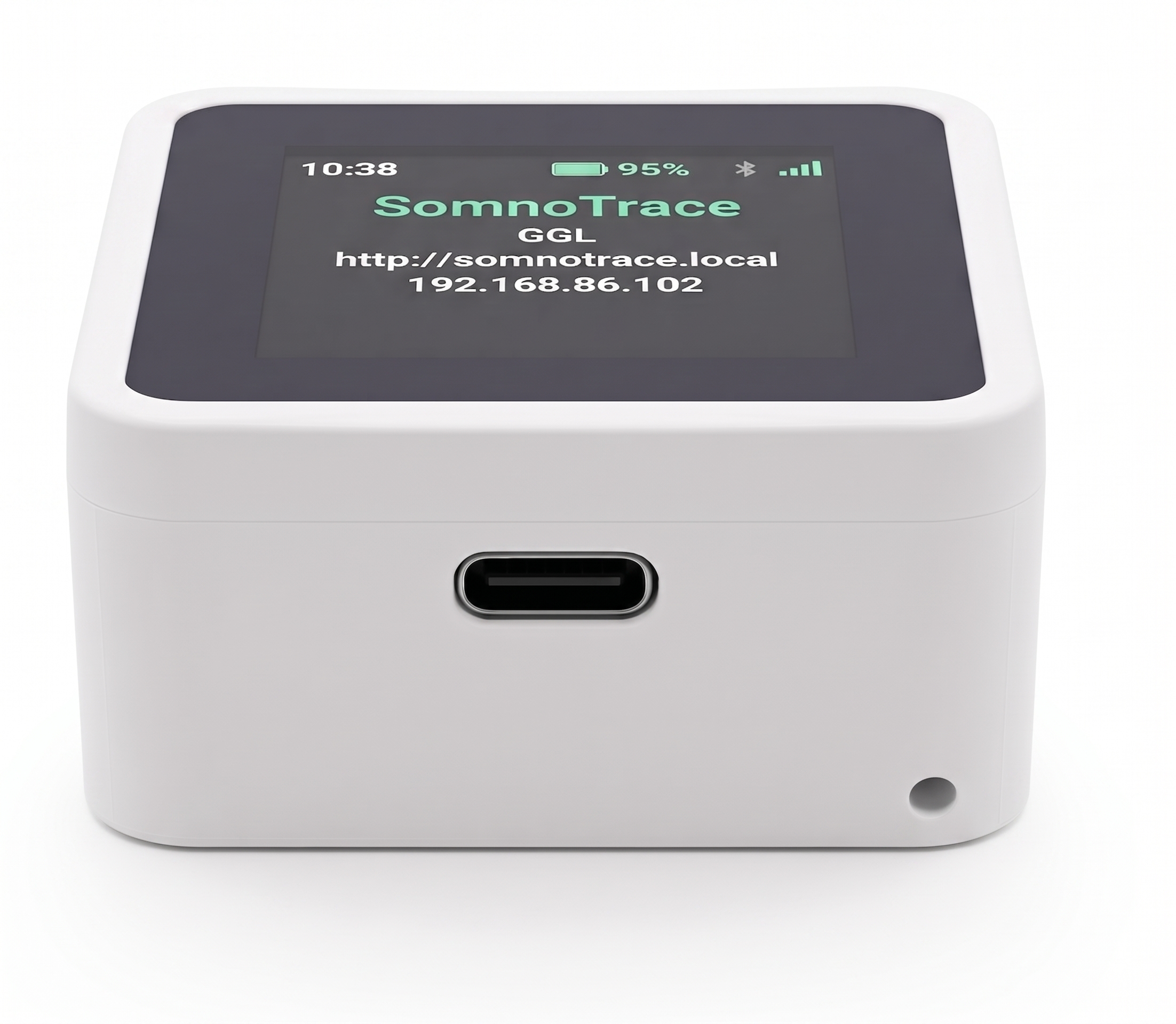
2. USB-C Cable
Plug into your computer with a data-capable cable.
Advanced Options ▼
⚠️ Warning: Erases all saved settings, Wi-Fi credentials, and device configuration. Leave unchecked for normal firmware upgrades.
📁 Drag & drop your -full.bin firmware file here, or browse